Getting Started
Before doing anything, please read the Disclaimer & Health Warning and be aware of the dangers when mixing, working with and firing ceramic materials.
7-minute Quick Introduction
This video introduces all the major functionality in Glazy: How to create an account, navigation, creating recipes, and more.
What Device?
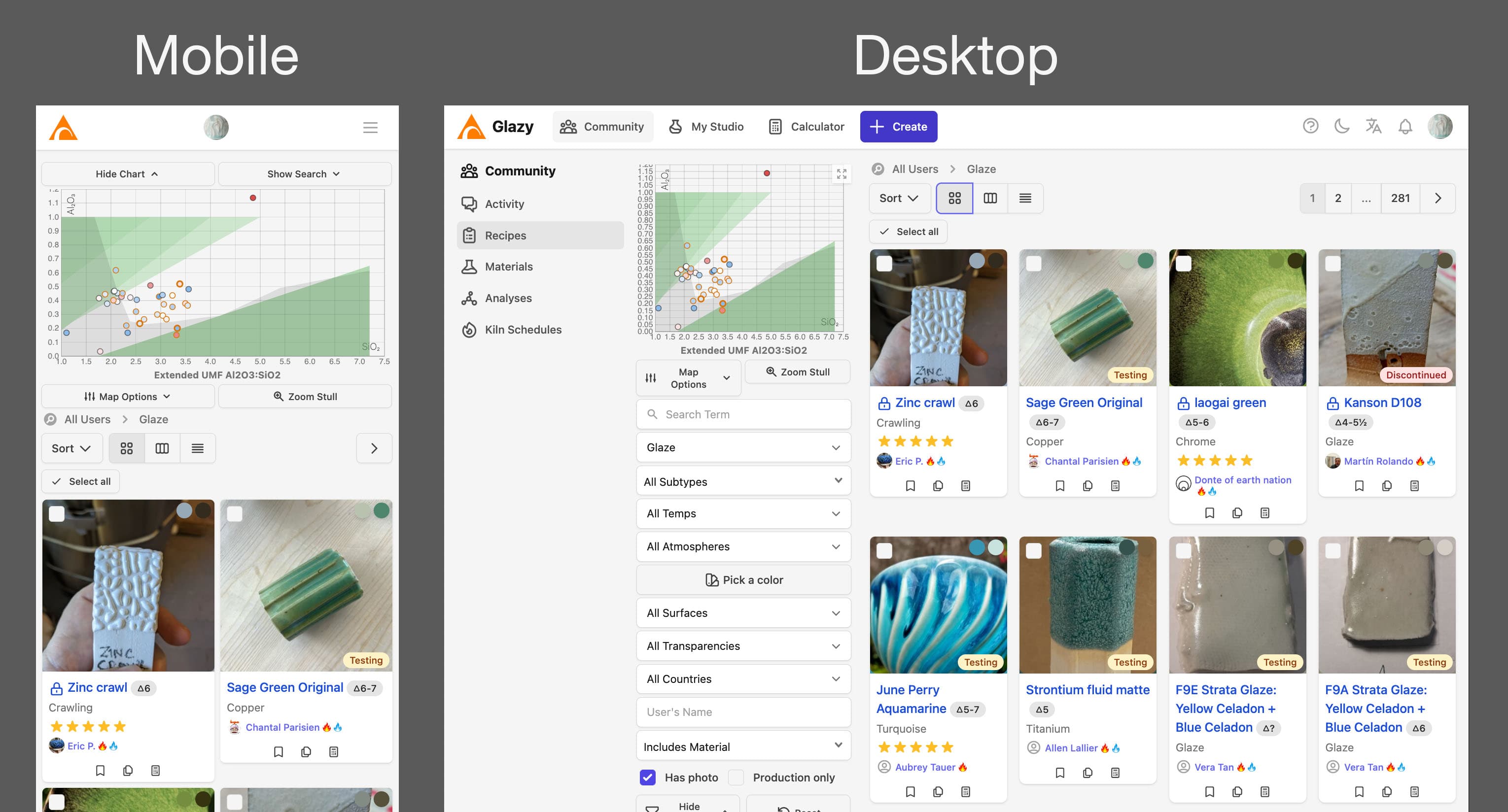
Glazy works on phones, tablets, and desktops. On a phone you’ll see the basics, but some of the richer tools (like building recipes in the Calculator) are easier to use on a tablet or desktop with more screen space.
What Browser?
Browsers behave differently, and Glazy has only been tested on Google Chrome (desktop and mobile). If you run into issues elsewhere, try switching to Chrome.
While Google Chrome is the only “officially” supported browser, Safari and Firefox also seem to work just fine!
Getting Help
Can’t log in? Email derek [at] glazy [dot] org.
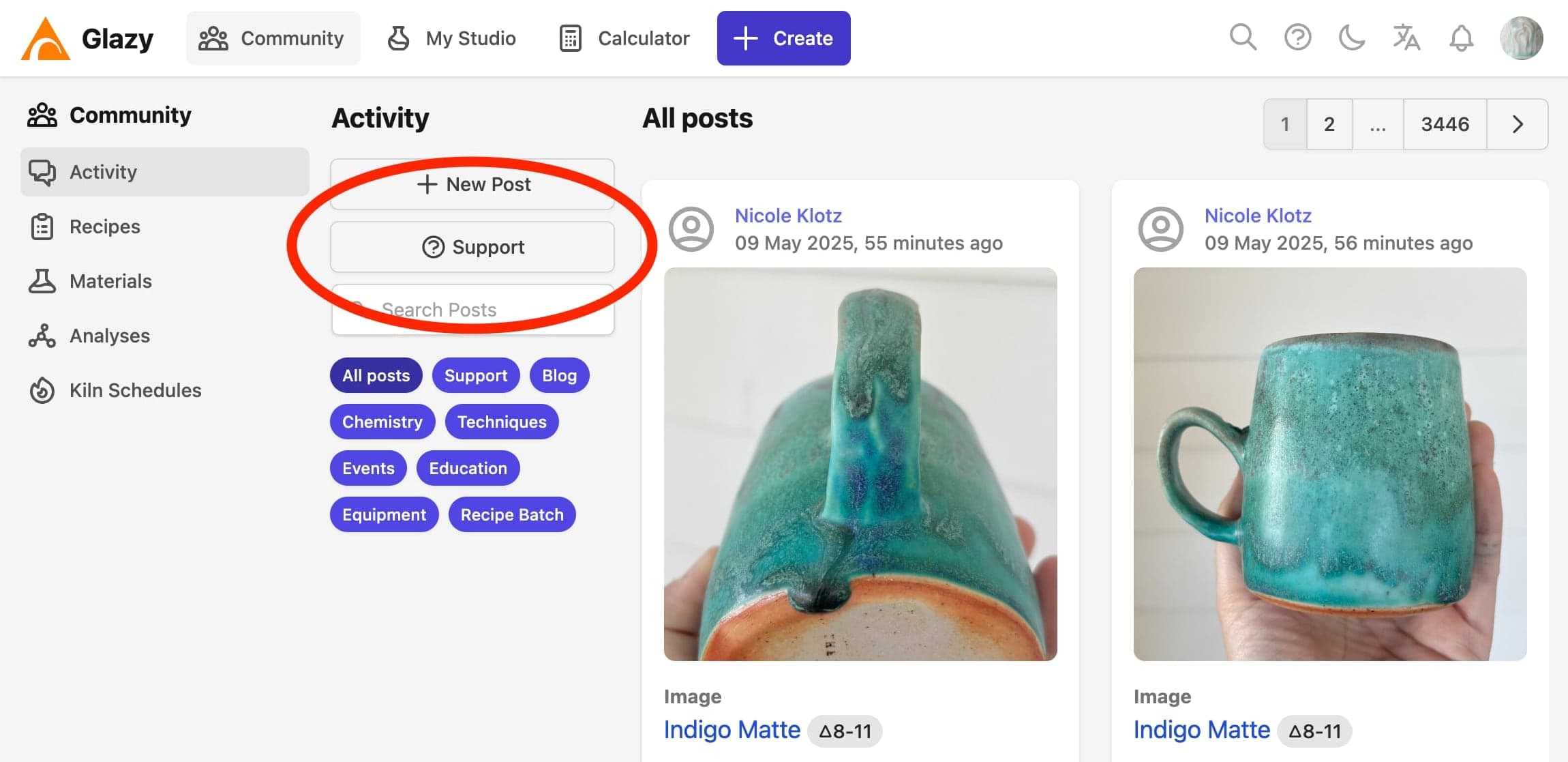
Have ideas, found a bug, or want to ask a glaze question? Log in and click the ? Support button to open a Help Post (screenshot below).
Joining Glazy
You can browse and search without an account, but you’ll need to sign up (free) to save recipes, post, and use the full set of tools.
Glazy is free to use. We don’t sell or share your data. Before you join, please read the Privacy Policy and Terms of Service.
To create an account, just provide your email address and name:
Updating Your User Profile
You can add social media links, change your user photo, download your data, and edit settings by updating your User Profile:
Dark Mode
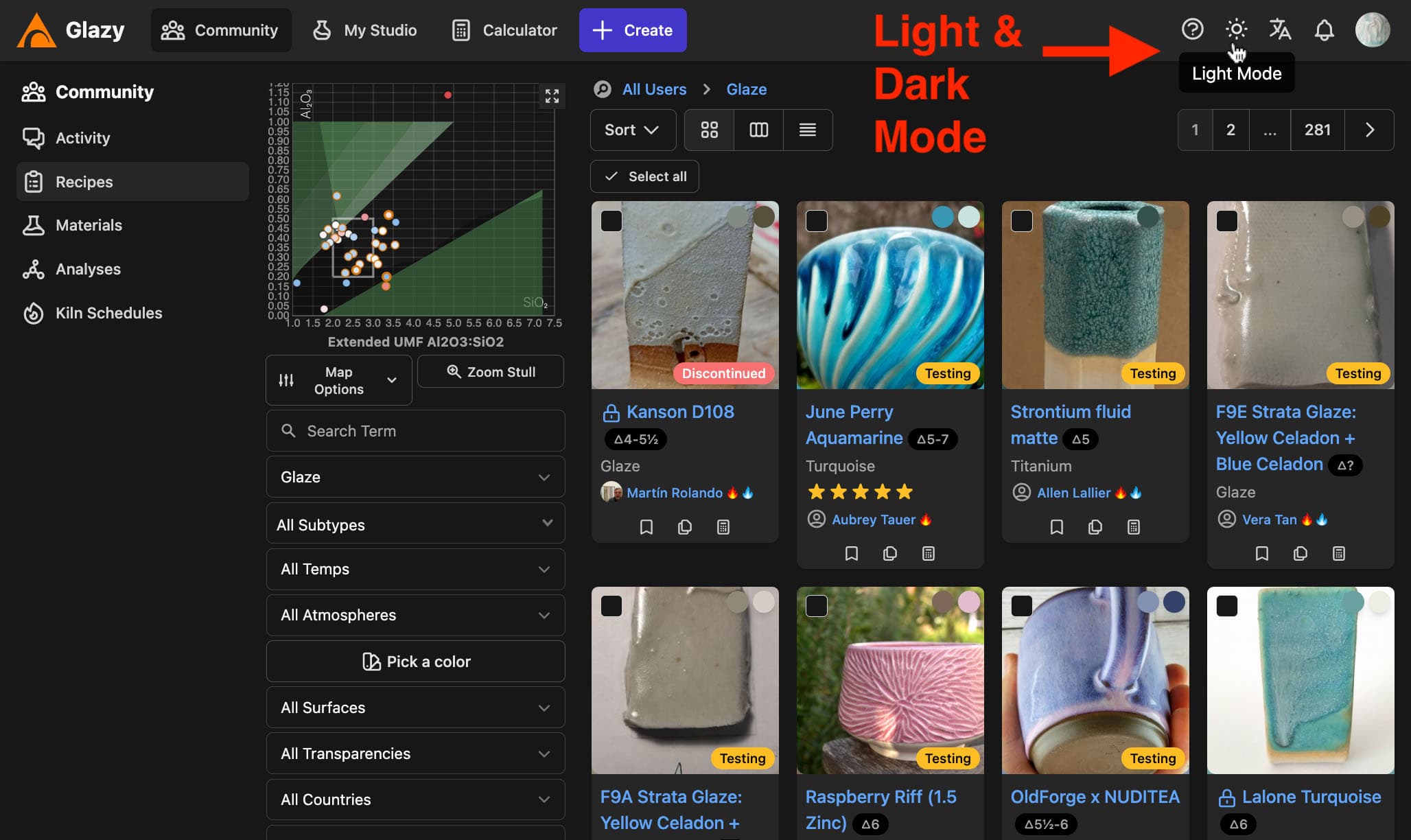
Glazy Patrons get access to the Dark Mode special feature. Just click the contrast button in the top-right corner of the menu (see screenshot below) to switch Glazy between Light and Dark mode.