Calculator
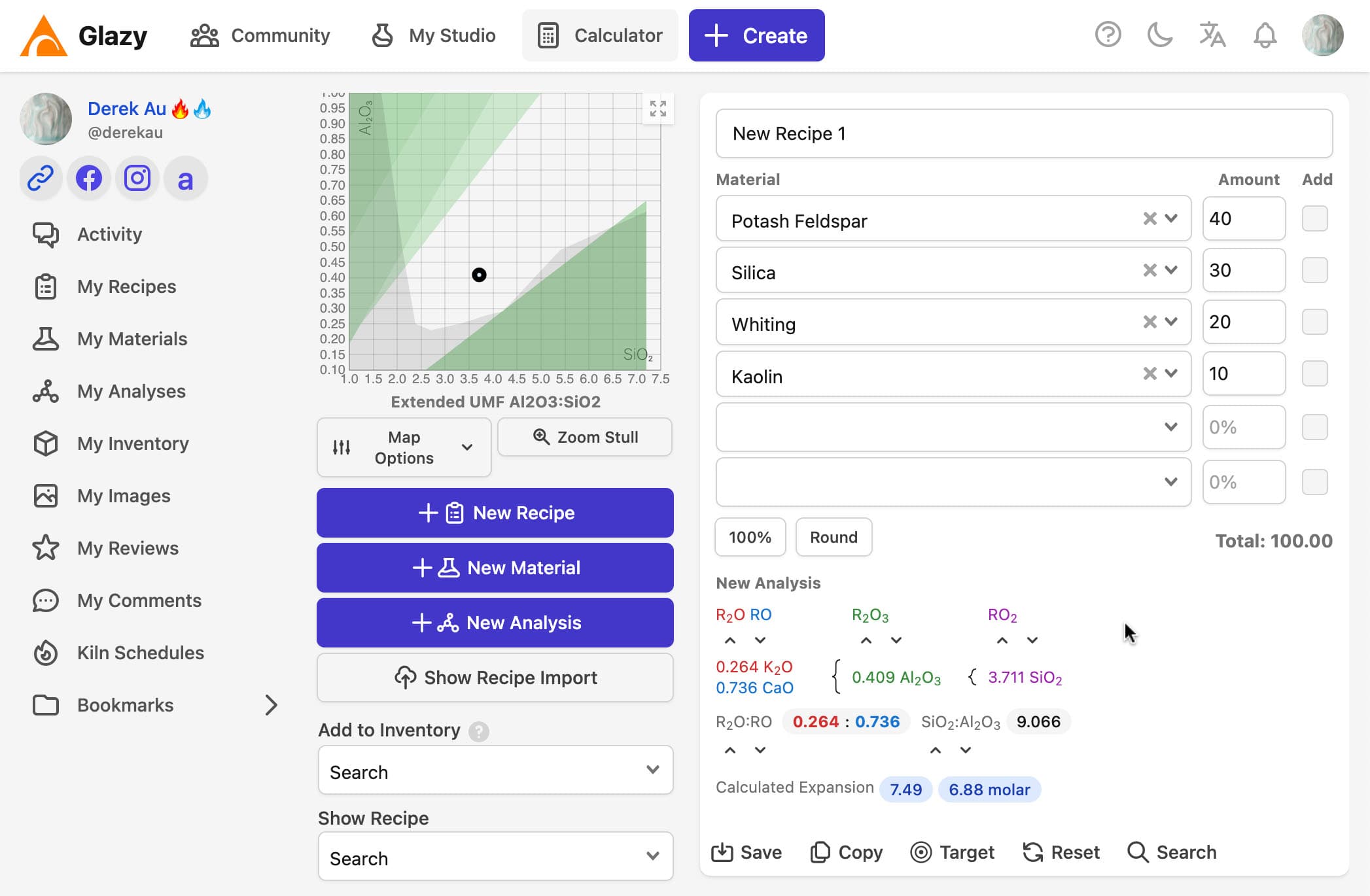
The Calculator allows you to make Recipes.
As Materials and Amounts are added to the Calculator form, the Chemical Analysis of the recipe is automatically calculated.
The recipe is also automatically plotted on the Si:Al chart.
How to Create a Recipe
This video shows how to create a recipe using the Calculator:
Why are materials missing from the calculator?
The first version of Glazy showed every material in the database. It was slow and overwhelming, especially since most of those materials were irrelevant to any one studio.
Now the calculator only shows materials in your inventory. Check or update your list at https://glazy.org/inventory .
(In the future, the inventory page will be able to keep track of how much materials you use, and which materials you currently have in stock.)
How do I add a material to my inventory (and the calculator)?
- Log in to Glazy
- Find the material you want to add at https://glazy.org/materials/
- Click the “Add to Inventory” button.
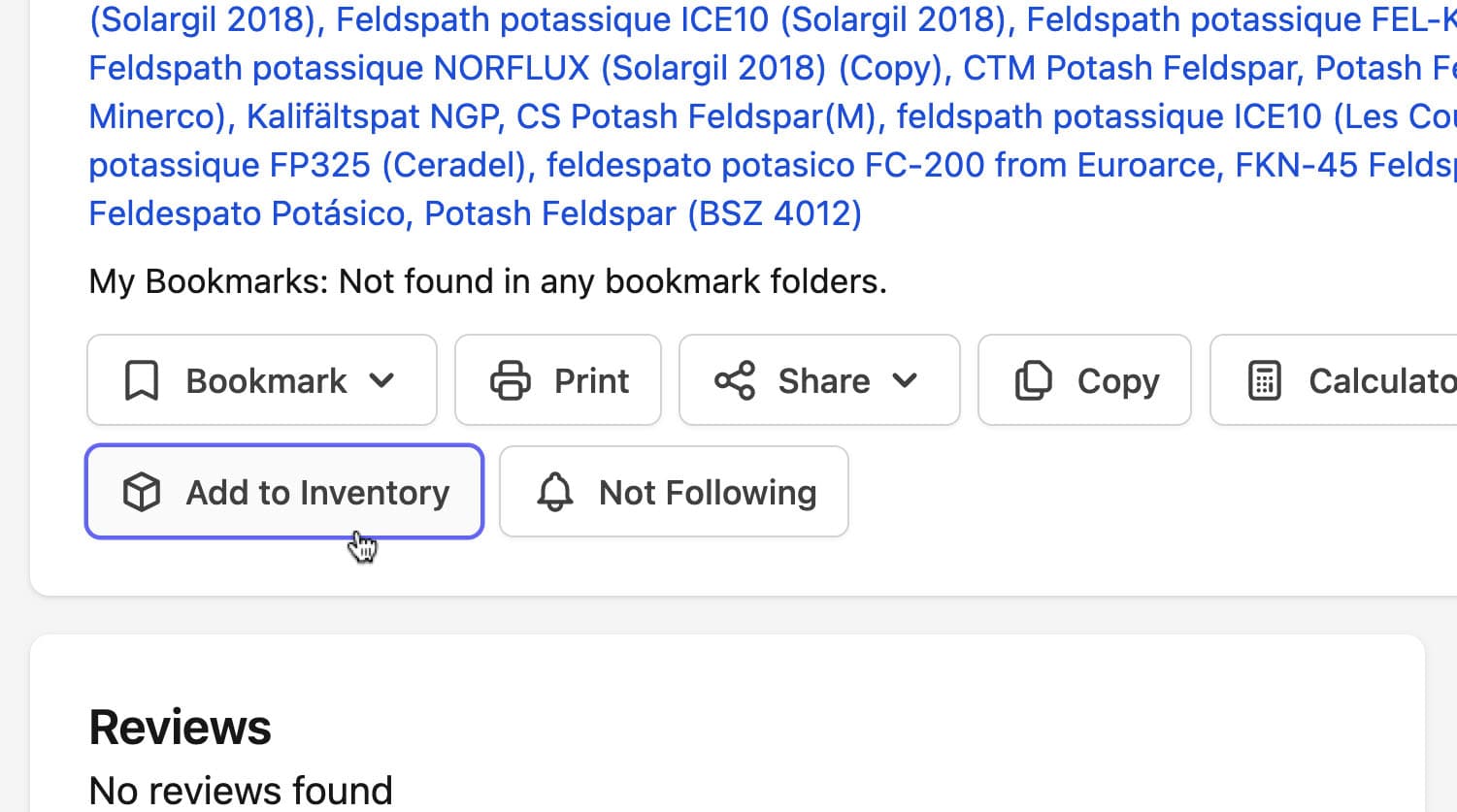
The material is now available in your inventory and calculator .
Adding materials to inventory from the Calculator
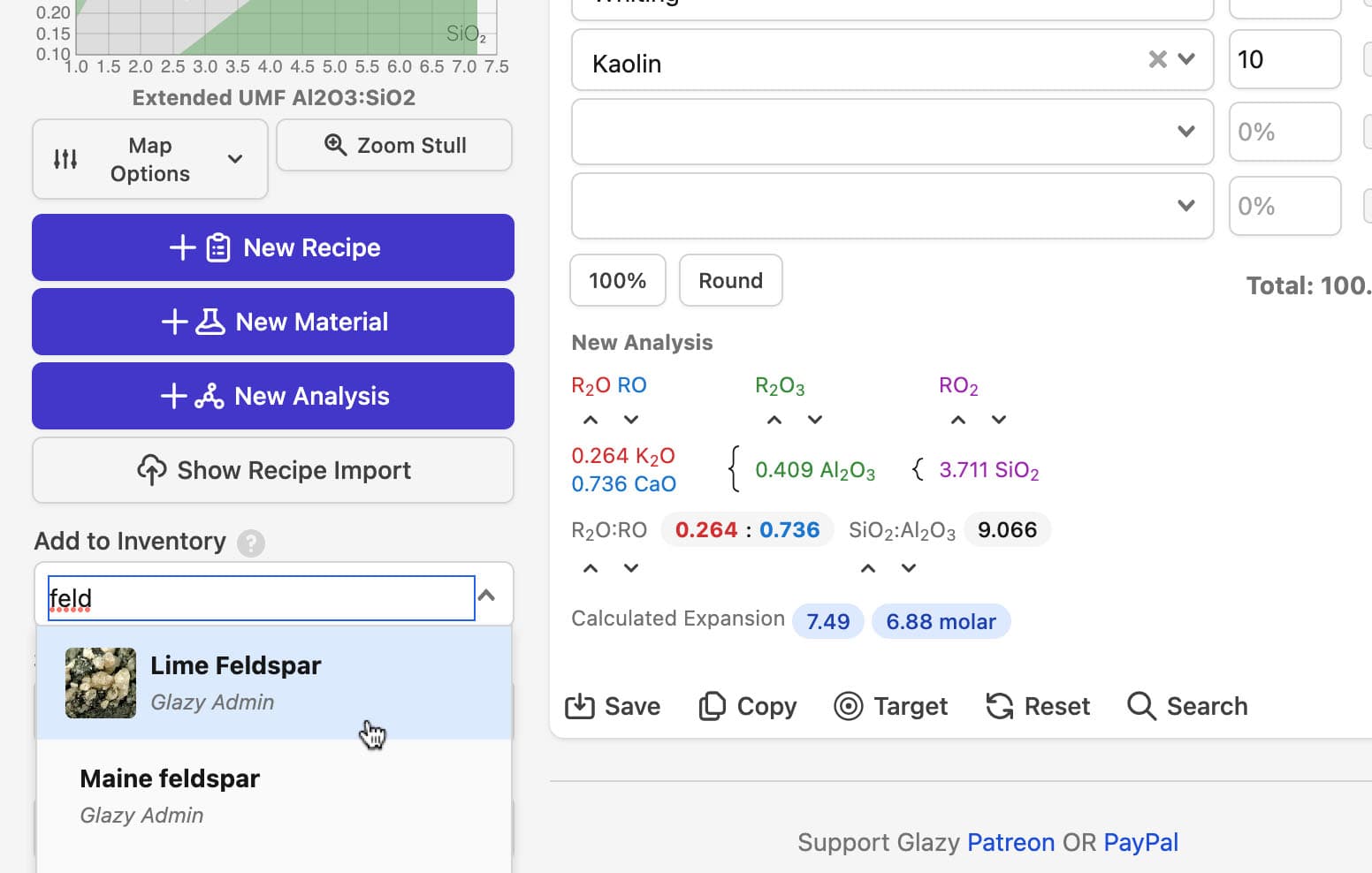
You can also add materials to your inventory directly from the Calculator. Start typing the material name and click Add to Inventory when it appears:
Automatically Importing Recipes
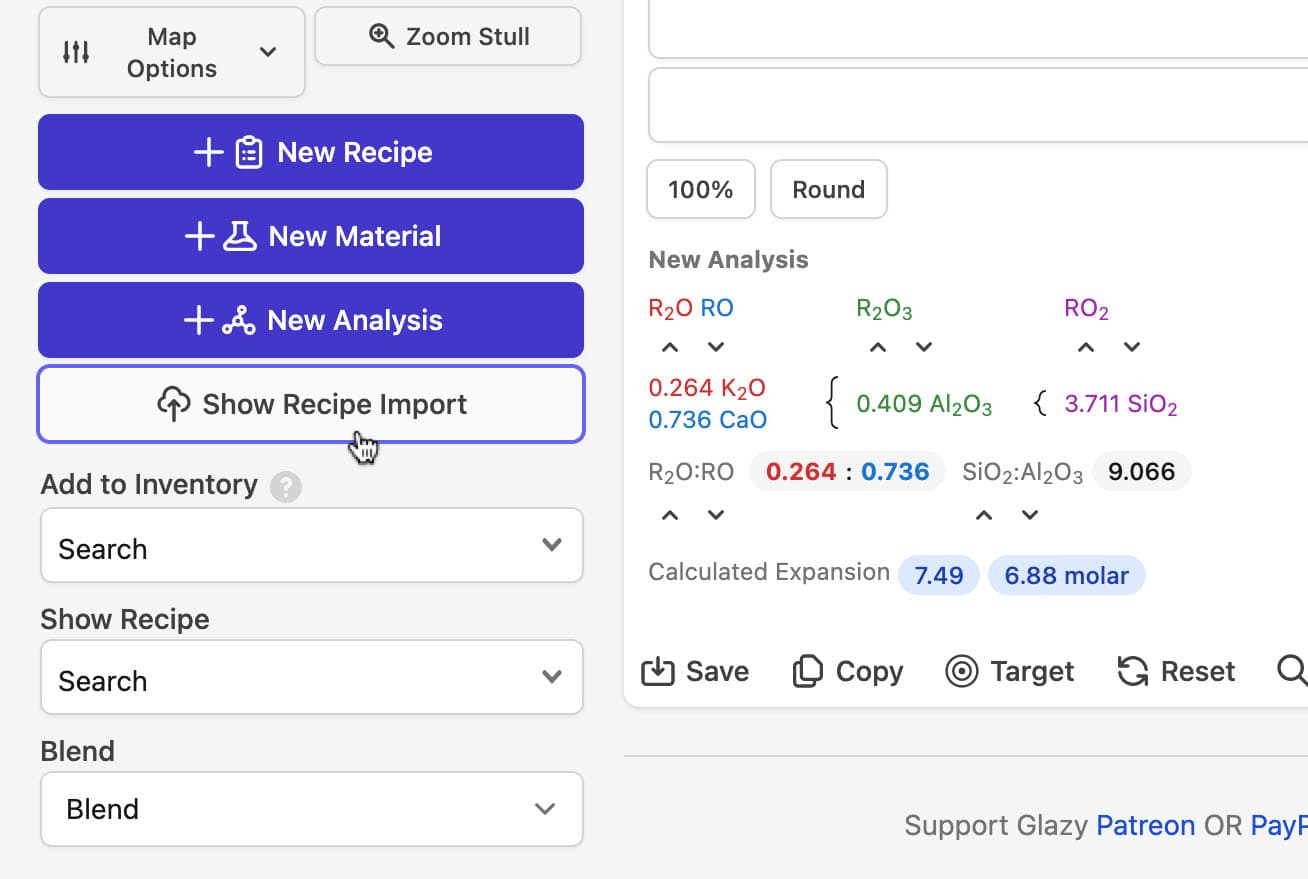
Glazy can read a recipe you paste in and build it for you. It does its best to interpret the text, but imports can fail if, for example, the recipe uses a material that isn’t in Glazy yet.
To begin importing recipes, just click the “Show Recipe Import” button:
This video demonstrates how to import recipes in various formats:
Adjusting Amounts: 100%, 100% +, and Round
Below the ingredient list, the Adjust row has buttons that rescale or tidy up your recipe’s amounts in one click. They only change the amounts in the form. Nothing is actually saved until you save the recipe.
Example Recipe
In this example, the base recipe adds up to 125 instead of 100, as often happens after you change one of the amounts.
- Base Ingredients: Custer Feldspar 50, Silica 30, Whiting 20, EPK 25
- Additional Ingredients: Red Iron Oxide 5, Bentonite 2
Here is what 100% and 100% + do to it:
| Ingredient | Starting amount | After 100% | After 100% + |
|---|---|---|---|
| Custer Feldspar | 50 | 37.88 | 40 |
| Silica | 30 | 22.73 | 24 |
| Whiting | 20 | 15.15 | 16 |
| EPK | 25 | 18.94 | 20 |
| + Red Iron Oxide | 5 | 3.79 | 5 |
| + Bentonite | 2 | 1.52 | 2 |
| Subtotal | 125 | 94.70 | 100 |
| Total | 132 | 100.01* | 107 |
*Glazy rounds the new amounts to your analysis precision: 2 decimal places, or 3 if you’re a Patron and have chosen 3 under Settings → Analysis precision (see Decimal Places). That’s why the total can be off by a hundredth. At 3 decimal places, the same recipe totals exactly 100.000.
100%
100% scales every ingredient, including the additional ingredients, so that the whole recipe totals 100.
In the example, Glazy divides each amount by the total (132) and multiplies by 100. The Red Iron Oxide goes from 5 to 3.79.
All the ingredients keep the same proportions to each other, so the chemistry doesn’t change. Use 100% when you want each amount to read as a percentage of the complete mix. Additional ingredients stay in the Additional Ingredients section.
100% +
100% + scales only the base recipe, so that it totals 100. Additional ingredients keep exactly the amounts you entered. They aren’t scaled or rounded.
In the example, Glazy divides each base amount by the base subtotal (125) and multiplies by 100. The Red Iron Oxide stays at 5 and the Bentonite stays at 2, for a total of 107.
This is the usual way to write glaze recipes: a base that totals 100, with colorants and other additions listed on top as parts per 100 of the base. “5 Red Iron Oxide” means 5 parts for every 100 parts of base.
Also note:
- If a recipe has no additional ingredients, 100% and 100% + give the same result.
- If the base already totals 100, 100% + changes nothing.
Round
Note: Round is a Patron-only feature. Learn how to become a Patron here.
Round removes one decimal place each time you click it. It finds the amount with the most decimal places, and rounds every amount to one decimal place fewer. This includes the additional ingredients. Once every amount is a whole number, Round stops changing anything.
Starting from the 100% result above:
| Ingredient | After 100% | Round once | Round twice |
|---|---|---|---|
| Custer Feldspar | 37.88 | 37.9 | 38 |
| Silica | 22.73 | 22.7 | 23 |
| Whiting | 15.15 | 15.2 | 15 |
| EPK | 18.94 | 18.9 | 19 |
| + Red Iron Oxide | 3.79 | 3.8 | 4 |
| + Bentonite | 1.52 | 1.5 | 2 |
| Subtotal | 94.70 | 94.7 | 95 |
| Total | 100.01 | 100.0 | 101 |
Rounding makes a recipe easier to weigh out, but notice that the total can drift away from 100. Round only as far as you need.
Calculator Examples
Material Substitution
How to make a glaze material substitution in Glazy
Substituting Local Materials
If you want to try a recipe you find in Glazy but don’t have all the materials, you may be able to substitute local materials instead. This video will show you how.
Material Substitution 2
Another example of how to substitute glaze recipe materials in Glazy.